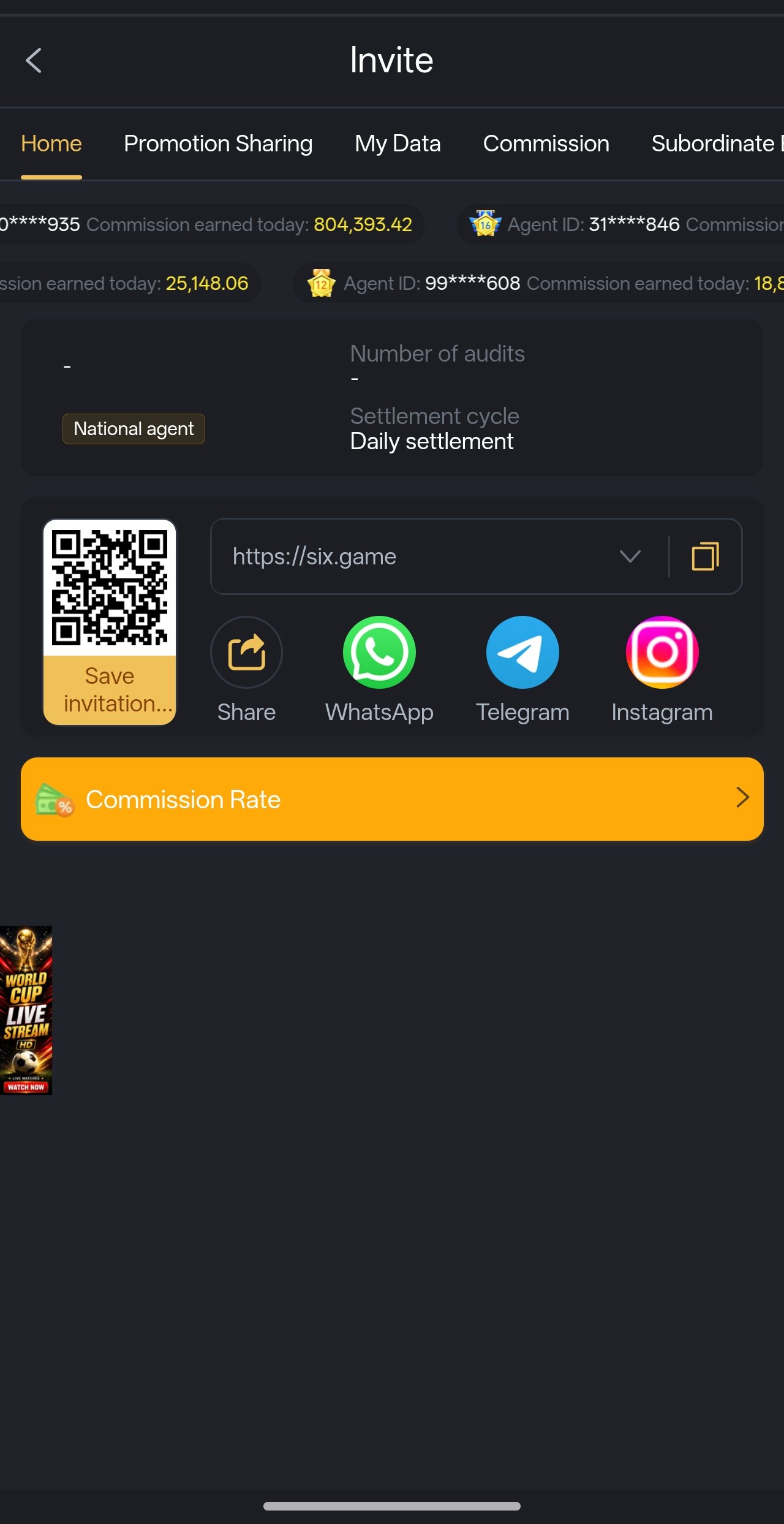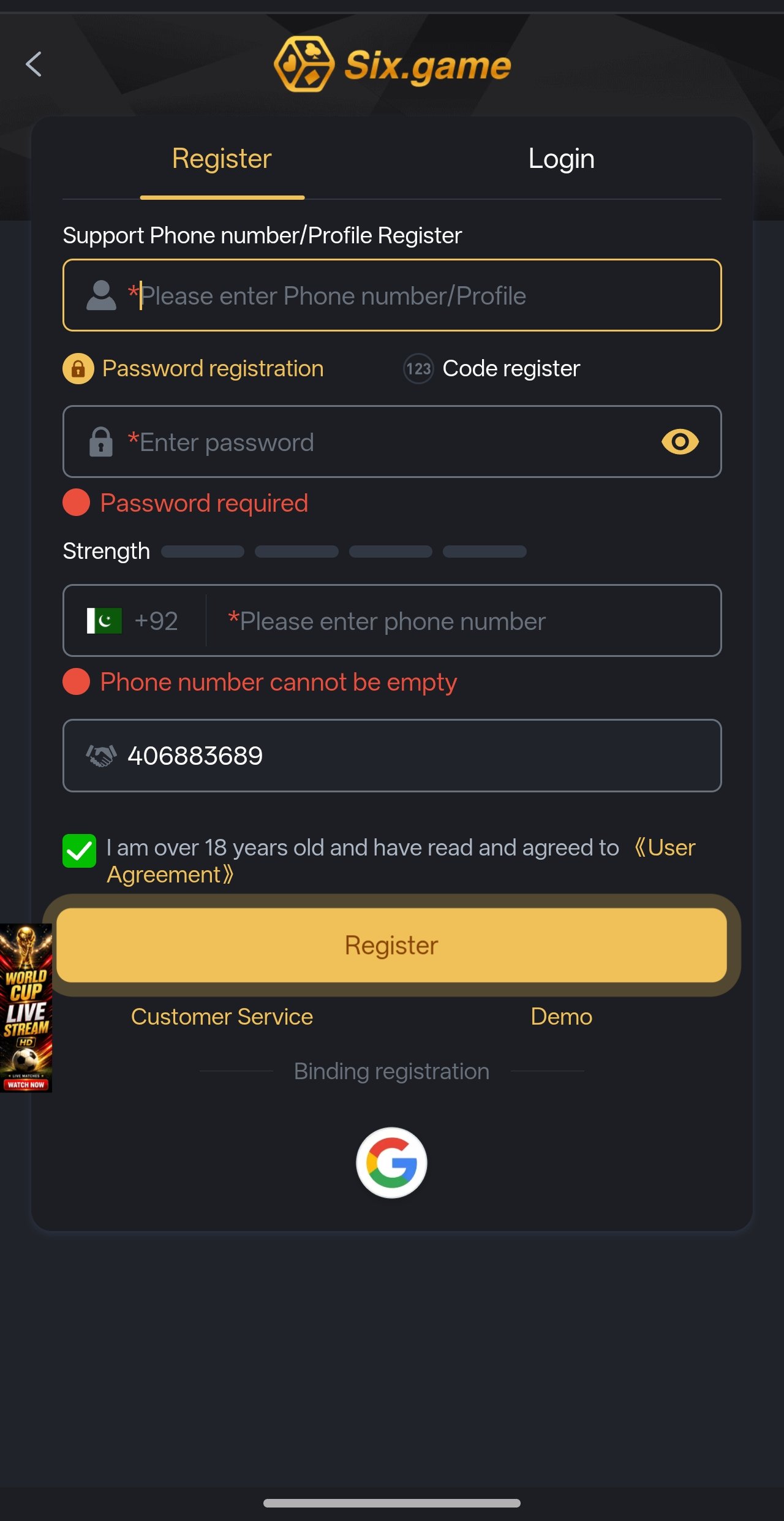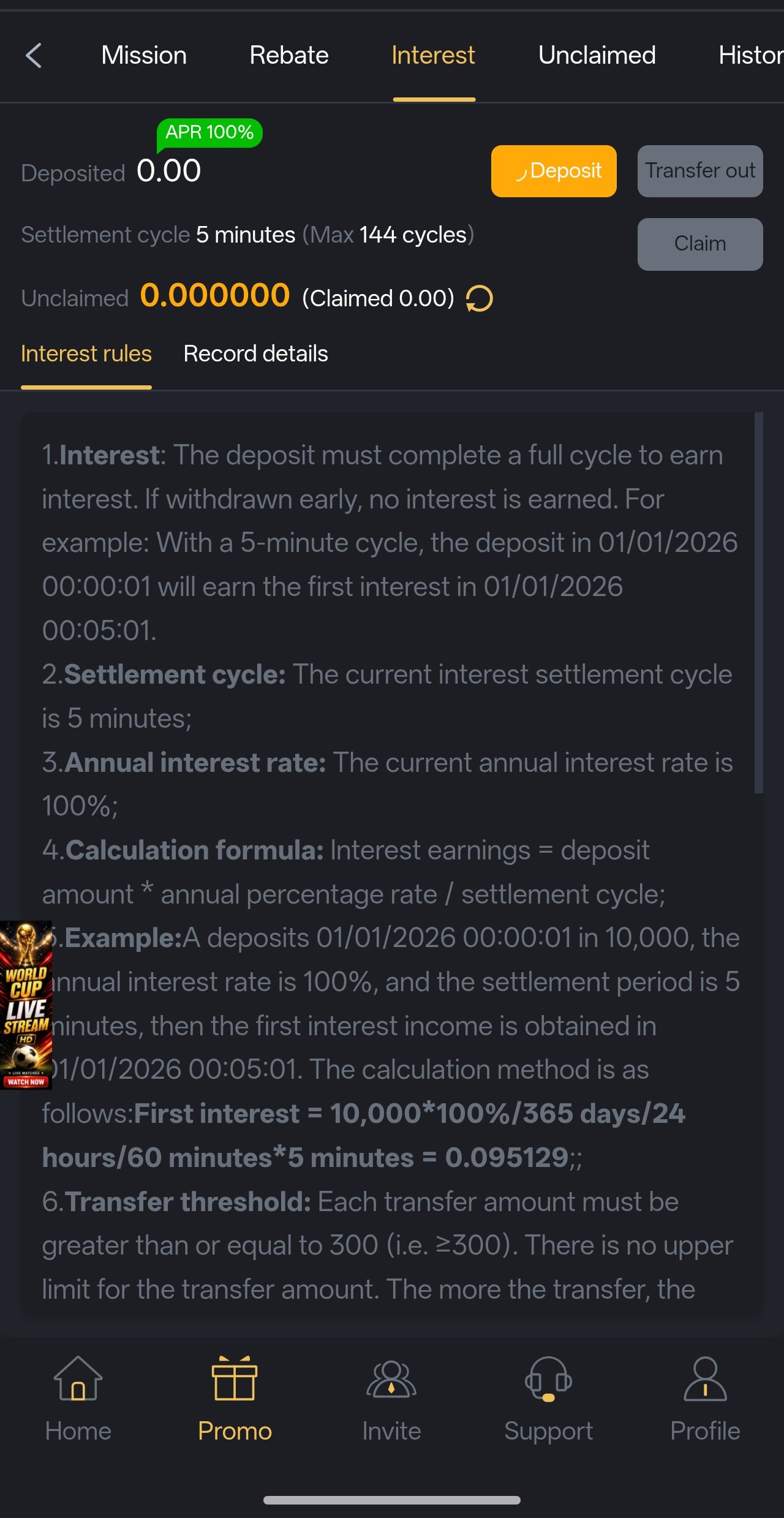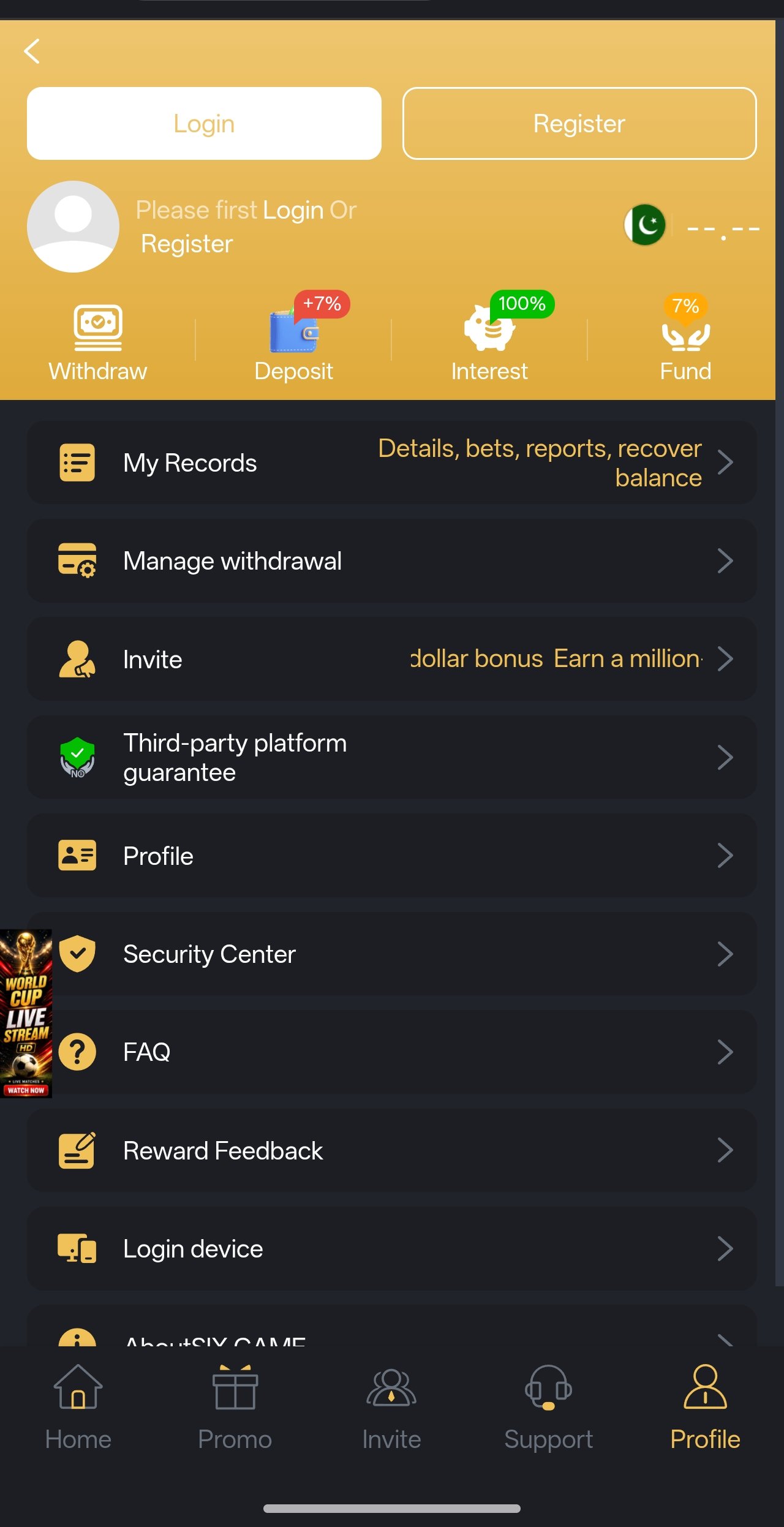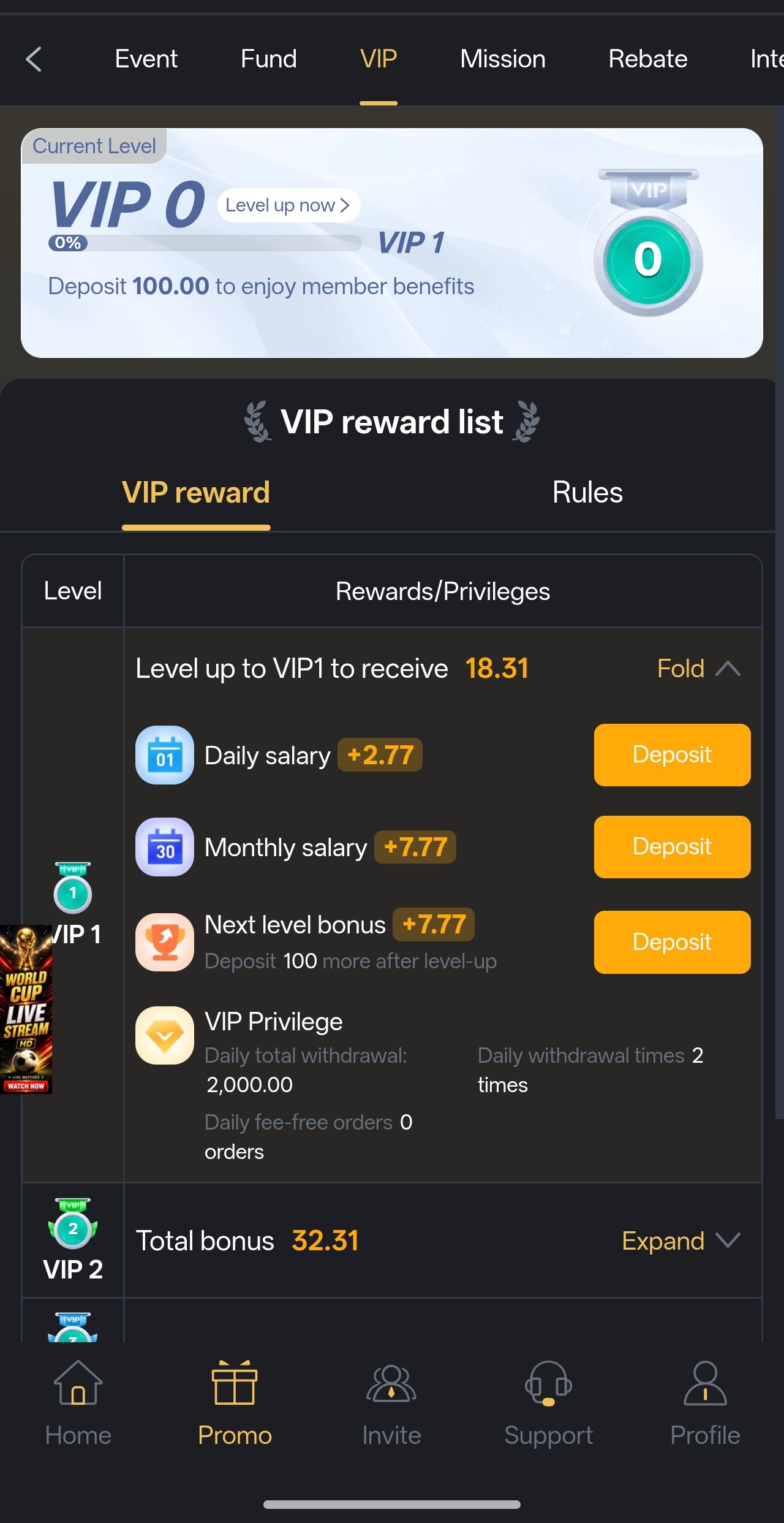

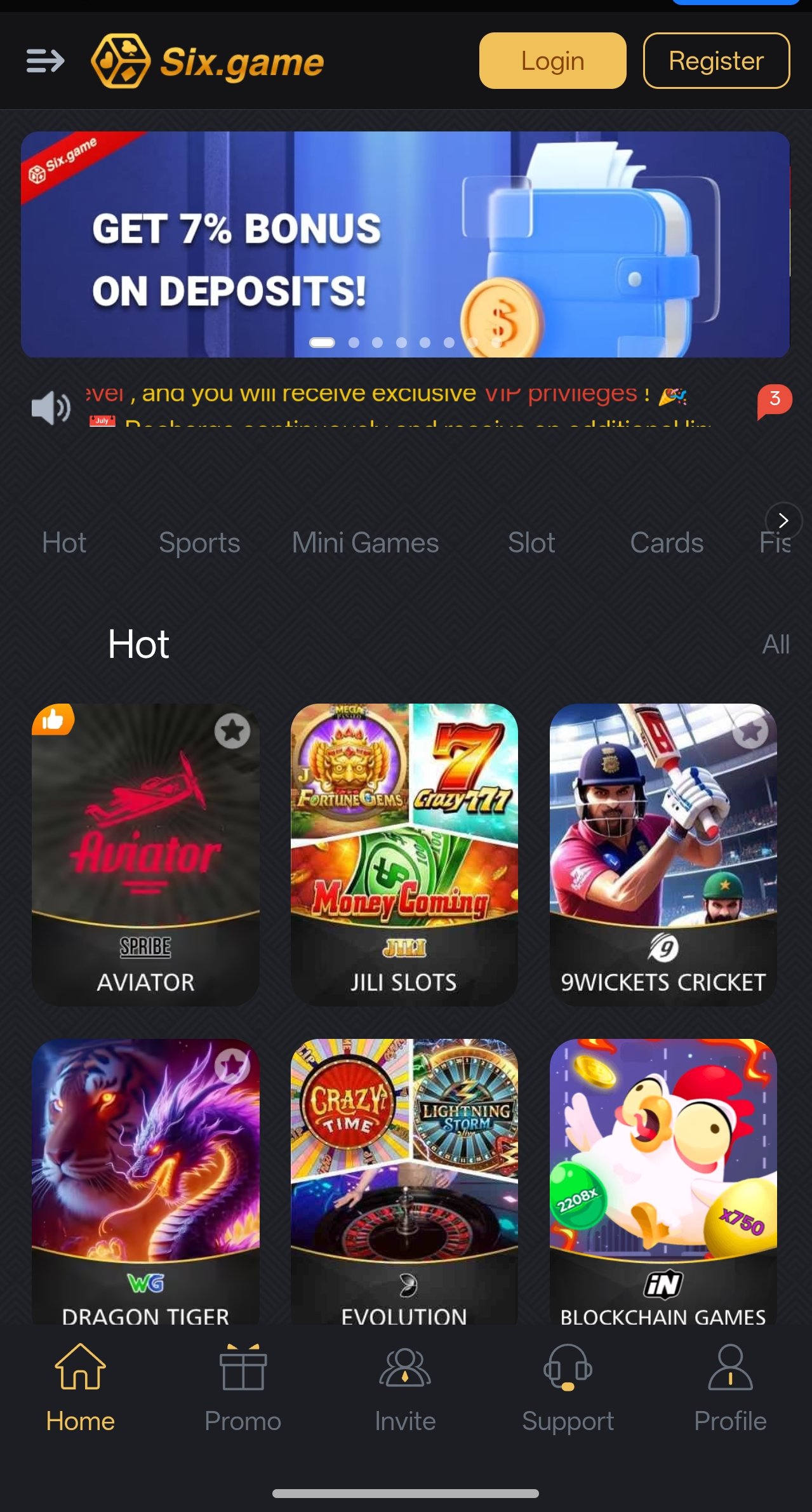
Six app & Six APK

Download the Six app the safe way

This page is the reference for installing Six Game on your phone — the official download route, the exact permission screens Android will show you, the device requirements and, just as importantly, how to recognise a counterfeit build before you tap install. The whole process takes about six minutes.

Platform
Android & iOS
Download size
~48 MB
Storage needed
~120 MB
Price
Free
The Six app running on an Android phone, showing the slot lobby after install
Signed APKVerified build 6-Min SetupInstall to first spin Android 7+2 GB RAM is enough
Step One

Pick your device

Android, iPhone or browser — three ways in

You do not need the same file on every device. Android users install the Six APK directly, iPhone users add the Six app to the home screen, and anyone can simply play in a mobile browser without installing anything at all. All three routes reach the same account and the same slot library.

Android — Six APK

Android 7.0+ · ~48 MB

The full native experience. Download the signed package, allow installs from your browser once, and tap through. You get push notifications for bonus drops, offline asset caching for weak signal and the fastest reel loading of the three options. This is what most Pakistani players use.

Download Six APK
iPhone & iPad — Six app

iOS 13+ · No APK needed

iOS does not use APK files. Open the official link in Safari, tap the Share button and choose Add to Home Screen. The Six app then launches full-screen with its own icon and behaves almost identically to a native install, including saved login.

Open In Safari

Any device — Browser

Chrome, Safari, Edge · Zero install

Short on storage, using a borrowed phone, or just want to look around first? Play straight from the browser. Nothing is installed, nothing is stored on the device beyond a normal session cookie, and you can switch to the app later without losing your account or balance.

Play In Browser
QR code that opens the Six app download page at six777.pk

On a laptop? Scan and continue on your phone

Point your phone camera at the code and this download page opens directly on the handset you actually want to install on — no typing, no emailing links to yourself. The code contains nothing but the page address; it will never trigger a download on its own.

https://six777.pk/download.html

Step By Step

The Android install, in full

Installing the Six APK, one screen at a time

Android deliberately makes installing an app from outside the Play Store a conscious decision, so there are a couple of permission screens along the way. None of them are dangerous and none of them require you to change a system setting permanently. Here is exactly what appears, in order, and what to tap.

Open the official Six Game link

Start from a Join Now or Download button on this site. Those links carry our referral code, which is what activates the enhanced Rs 10,000 welcome package rather than the standard offer.

Never begin from an APK forwarded to you on WhatsApp. That is the single most common way counterfeit builds spread.

Register your account first

Enter your Pakistani mobile number and choose a password. Registering before installing means the app opens straight into a working account rather than an empty login screen, and it takes under a minute.

Use a password you do not use anywhere else. If you reuse a password from another site and that site is ever breached, your gaming account is exposed too.

Tap the Android download button

The Six APK begins downloading — roughly 48 MB, so about ten to thirty seconds on a normal 4G connection. Your browser will usually show a "file may be harmful" style warning simply because the file is an APK; that warning appears for every APK on Android and is not specific to this one.

Choose Download anyway / Keep when prompted.

Allow installs from your browser

Open the downloaded file. Android shows "For your security, your phone is not allowed to install unknown apps from this source" with a Settings button. Tap it and switch on Allow from this source for the browser you downloaded with, then press back.

This permission is per-app, not system-wide. You are allowing that one browser to install packages — nothing else on the phone changes.

Good habit: switch this permission back off after the install finishes. It takes five seconds and closes the door behind you.

Confirm the install

Tap Install. Android verifies the package signature automatically during this step. If the signature check fails, the install is refused — that is the system protecting you from a repackaged file, so delete it and download again from the official link rather than hunting for a workaround.

Installation itself takes a few seconds. When it completes, tap Open.

Sign in, claim the bonus, set your limit

Log in with the account you created, open the Bonus Centre and activate the welcome package after reading its wagering terms. Then — before your first spin — go to Account settings and set a deposit limit.

Setting the limit while you are calm, before you have played, is the single most effective habit a slots player can build.

How to recognise a fake Six APK

Counterfeit gaming APKs are the genuine risk in this category, and they follow a very recognisable pattern. Treat any of the following as a reason to delete the file immediately:

It arrived as a forwarded chat file rather than a download. It promises "unlimited coins", a "mod" or a "hack version" — no such build exists, and every file claiming otherwise is malware. It requests SMS, contacts, call-log or accessibility permissions, none of which the genuine app needs. The icon, the splash screen or the login page looks subtly wrong. Or the install fails a signature check and a website tells you to "disable Play Protect" to continue.

Before you start

Device requirements and what they actually mean

The Six app is deliberately undemanding, because most players in Pakistan are not running flagship hardware. If your phone can run WhatsApp and YouTube comfortably, it will run the Six app comfortably. Here are the real numbers.

Android

Android 7.0 (Nougat) or newer, 2 GB RAM or more, and roughly 120 MB of free storage once game assets have cached. Both 32-bit and 64-bit devices are supported, which covers budget handsets several years old.

iOS

iOS 13 or newer on iPhone 6s and later, and any iPad from the 5th generation onwards. No APK and no App Store download is involved — the Six app is added to your home screen from Safari in two taps.

Connection

A stable 3G connection is the practical minimum; 4G or Wi-Fi is better for the first launch of each new slot while its assets download. After that, reels run from local cache and use very little data per spin.

Six app technical specification
SpecificationAndroidiOS
Minimum OSAndroid 7.0 (Nougat)iOS 13
Recommended OSAndroid 10 or neweriOS 15 or newer
Minimum RAM2 GB2 GB
Download size~48 MB (APK)No download (web app)
Storage after cache~120 MB~40 MB
Install methodSigned APK, sideloadAdd to Home Screen
Push notificationsSupportedLimited by iOS
Offline asset cacheYesPartial
PriceFreeFree

Specifications reflect the current release supplied by the operator and may change with future builds. Check the news channel for release notes when a new version ships.

Real captures

What you get after the install

These are captures from the current build, not marketing renders. Between them they cover the complete loop a player actually uses — find a slot, fund the wallet, play, claim a bonus and withdraw.

Six app slot category browser with filter chips
Browse By Category
Six app slot reels mid-spin during a bonus feature
Reels In Play
Six app deposit screen listing Easypaisa and JazzCash
Deposit Methods
Six app withdrawal request screen with a live status timeline
Withdrawal Status
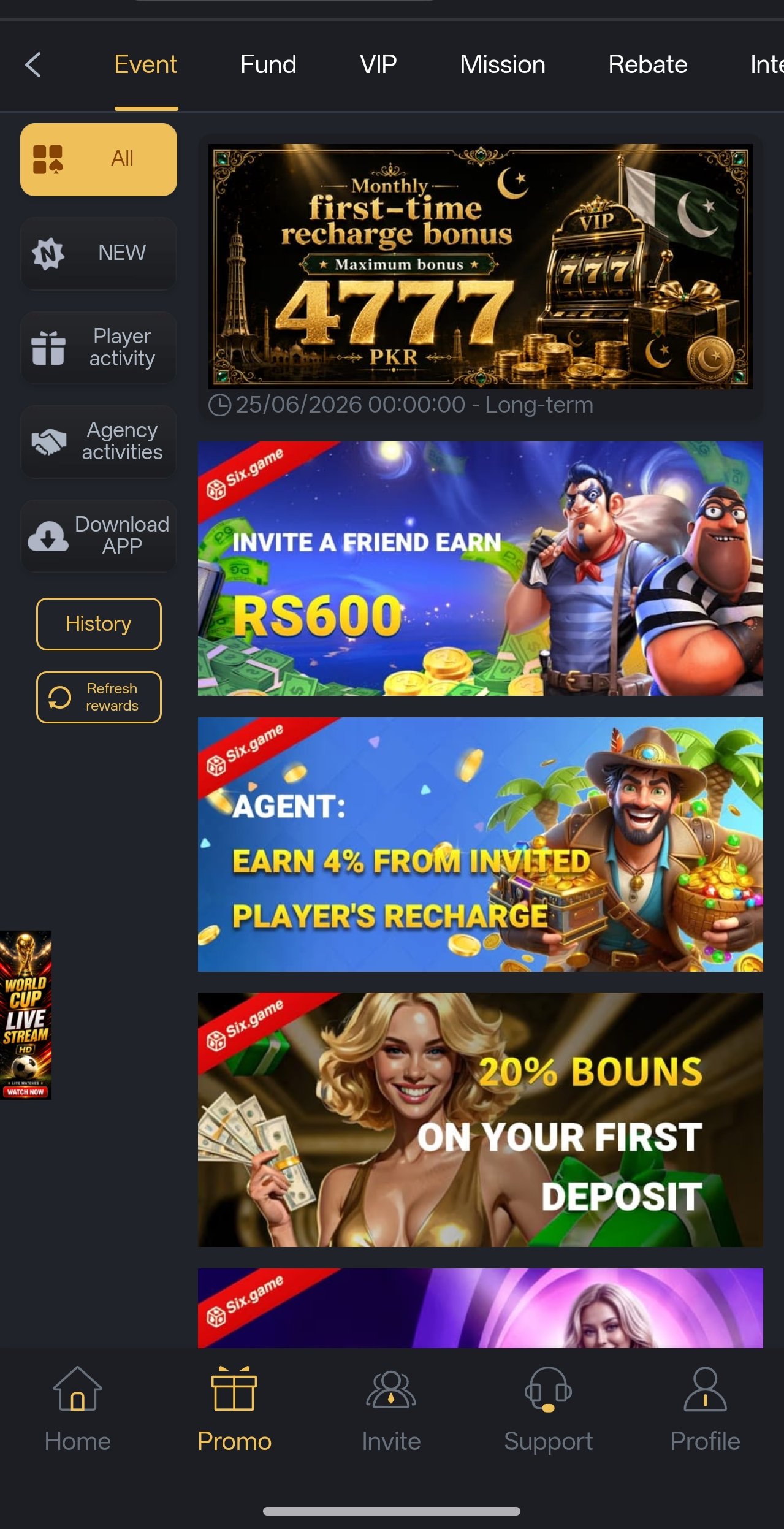
Six app bonus centre showing the welcome package terms
Bonus Centre
Six app account and VIP profile screen
Account & VIP

If something goes wrong

Install troubleshooting

Almost every install problem falls into one of the six situations below. Work through the matching answer first — it will usually resolve things faster than waiting on a reply.

Three causes account for nearly all of these:

  • An older copy is still installed. Uninstall any previous Six app, then install the new file. Two builds signed differently cannot coexist.
  • The download was incomplete. A partially downloaded APK fails at the final step. Delete it and download again on a stable connection.
  • Not enough storage. Android needs headroom beyond the file size itself. Free up around 300 MB and retry.

If it still fails after all three, do not disable Play Protect or any security setting to force it — message @bbxxyyz with your phone model instead.

Six minutes from here

Register, install, claim Rs 10,000

Start from the official link so the enhanced welcome package is attached to your account. If any step of the install gives you trouble, the support desk will walk you through it screen by screen.